
A typical WordPress site tends to accumulate problems over time: a bloated database, emails that don’t go through, poorly secured logins, and leftover files from deleted plugins. Instead of patching this up with five different plugins, each with its own control panel and its own risks, we use a single, well-refined tool: TREJKA Admin Helper. It’s a plugin that we install on the websites we manage — and which handles, all in one place, WordPress security, efficiency and everyday organisation.
TREJKA Admin Helper
Key features
A lightweight helper plugin on every managed site
Plan your tasks and mute alerts for the duration. A bulk update won’t bombard anyone with false alarms.
Bulk updates
Update plugins and themes across dozens of websites with a single click — with verification after every change.
Uptime monitoring
Availability checks every few minutes from an external server. You’ll know about an outage before a customer calls.
Safety
AES-256-GCM-encrypted tokens, protection against hijacking, audit logs. Regular audits of our own code.
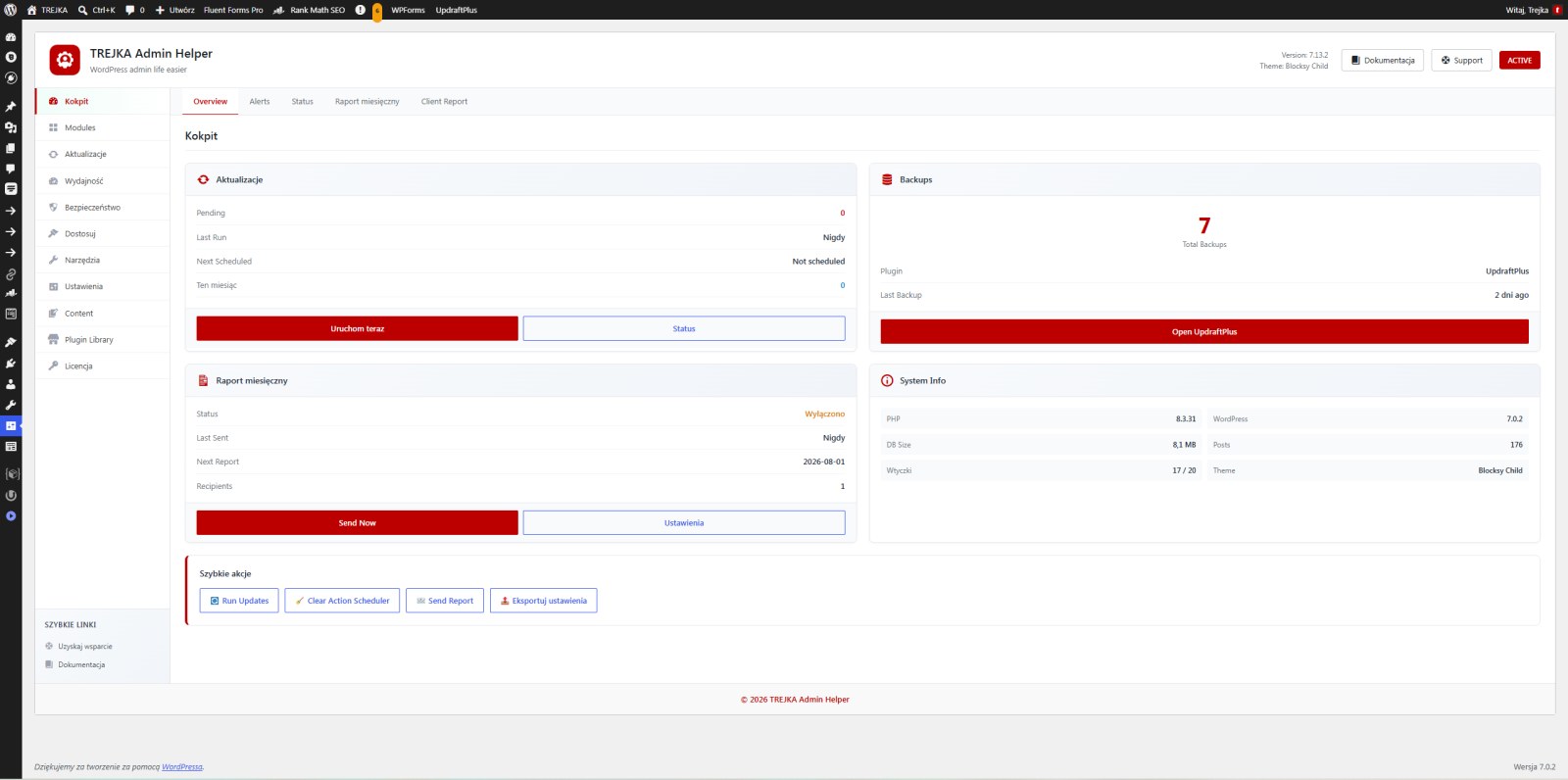
Multi-layered security
Security isn’t just a single switch — it’s a set of layers that, together, raise the bar for an attacker.
- Login protection — limiting the number of failed attempts and blocking IP addresses following a series of attacks, with a whitelist of trusted addresses to ensure you never block yourself.
- File permissions check — we check and correct the permissions of sensitive files (such as wp-config.php), and if the .htaccess file is missing, we create it correctly, in line with the structure of the website in question.
- Hardening audit — a review of the configuration for common vulnerabilities and their rapid resolution.
- Configuration lockdown and obfuscation — fewer clues for bots searching for known vulnerabilities.
The most important layer, however, runs in the background: a change monitor that cannot be disabled from the dashboard. Even if an attacker disables all plugins, this component remains active and reports externally — detecting theme replacements, new administrator accounts, PHP files in the uploads folder or modifications to key files. It is this layer that provides us with an early warning of a breach, before any damage can be done.
Post that actually arrives
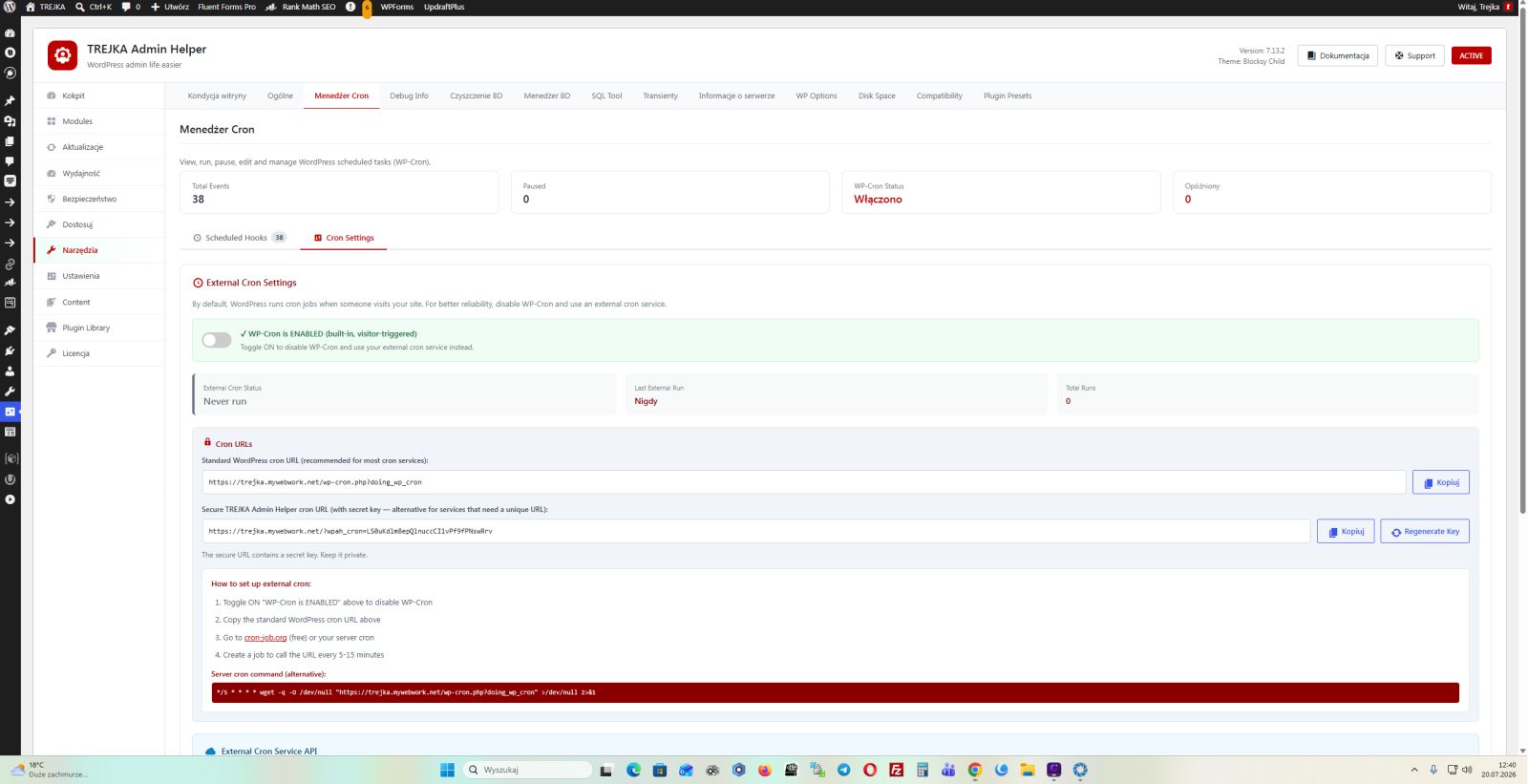
One of the most common, yet most underestimated, problems: emails from the website aren’t getting through — order confirmations, password resets and contact forms end up in spam or go missing. Admin Helper configures email delivery via trusted providers (SMTP and modern APIs, including toSend), with correct sender authentication. As a result, transactional emails reach their intended recipients — and this directly translates into sales and user trust.
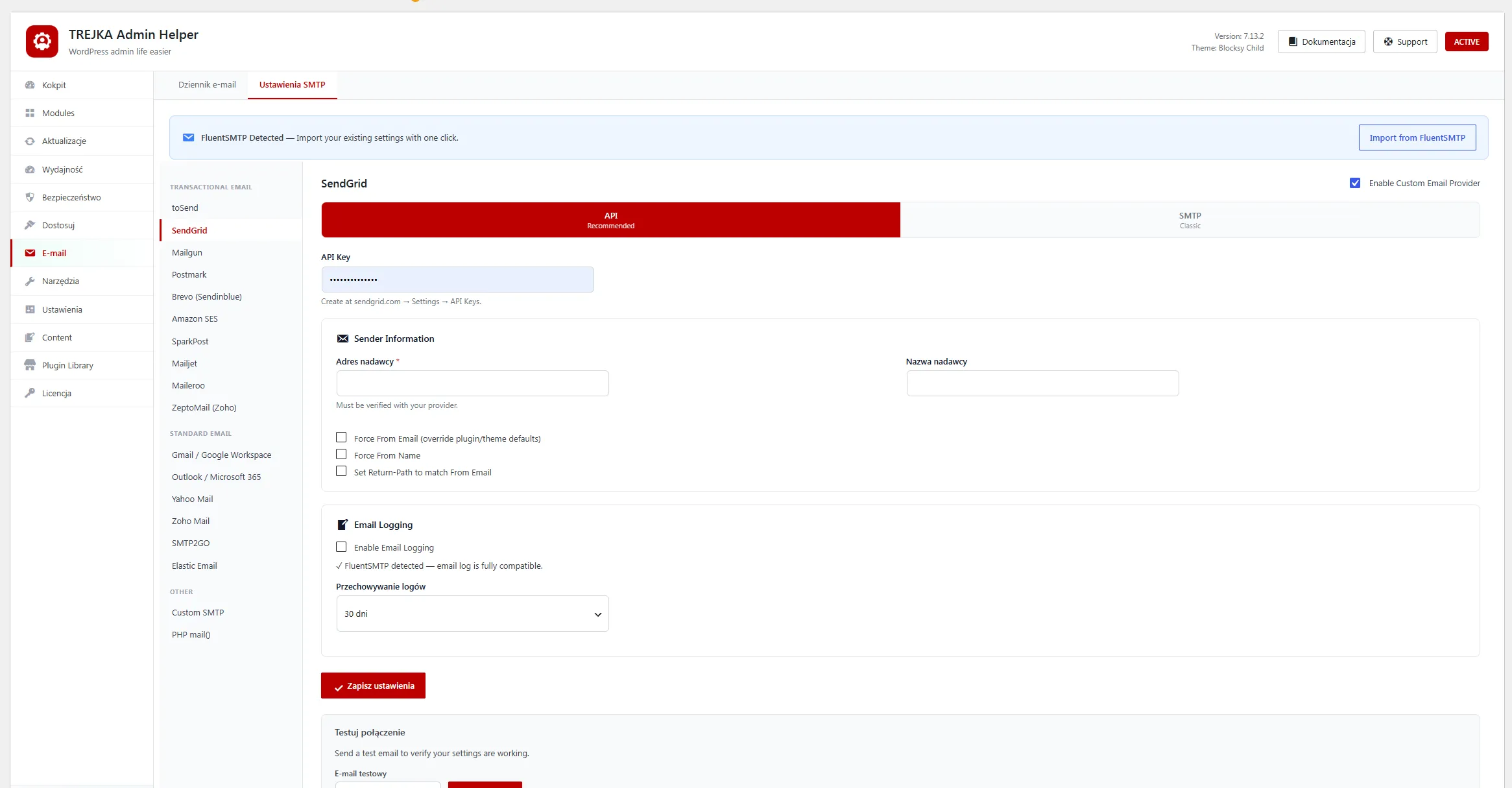
Efficiency and organisation at the base
Over time, WordPress accumulates clutter that slows down the site and takes up space in the database. Helper clears this away without any risk:
- Revision control — we limit the number of versions stored and clear out the excess with a single click, without affecting auto-saves.
- Database clean-up — removing plugin junk, out-of-date data and unnecessary entries.
- Front-end optimisations — less unnecessary code loaded on the page.
The result: a lighter database, a faster control panel and a website that doesn’t slow down with each passing month.
Day-to-day administration
As well as safety and performance, Helper takes care of those small but tiresome tasks for you:
- Completely disabling comments — this not only hides the form, but actually blocks new comments and notifications from being received, which stops comment spam at source.
- Duplicating posts and pages — with full support for popular page builders.
- A tidier interface — fewer distractions, a cleaner dashboard for the customer.
Designed to operate on a scale of
Admin Helper is not a standalone plugin — it works in conjunction with our fleet management dashboard. We manage licences and updates centrally, and each site reports its status (email status, detected changes, availability) to a single location. This allows us to manage hundreds of sites consistently, rather than configuring each one manually.
Frequently Asked Questions
Is this yet another „serious" security patch?
No — instead of five separate plug-ins, you get a single integrated tool, with a protective layer that continues to work even when the plug-ins are disabled.
Will it sort out the problem with emails that aren’t coming through?
Yes. It sets up delivery via trusted providers with proper authentication, which significantly improves delivery rates.
Can I use it on my own?
Admin Helper is part of our WordPress support service and works best in conjunction with our management panel.
Is it safe to clean the database?
Yes — we only remove unnecessary data (e.g. redundant revisions, plugin junk), whilst retaining what is essential.